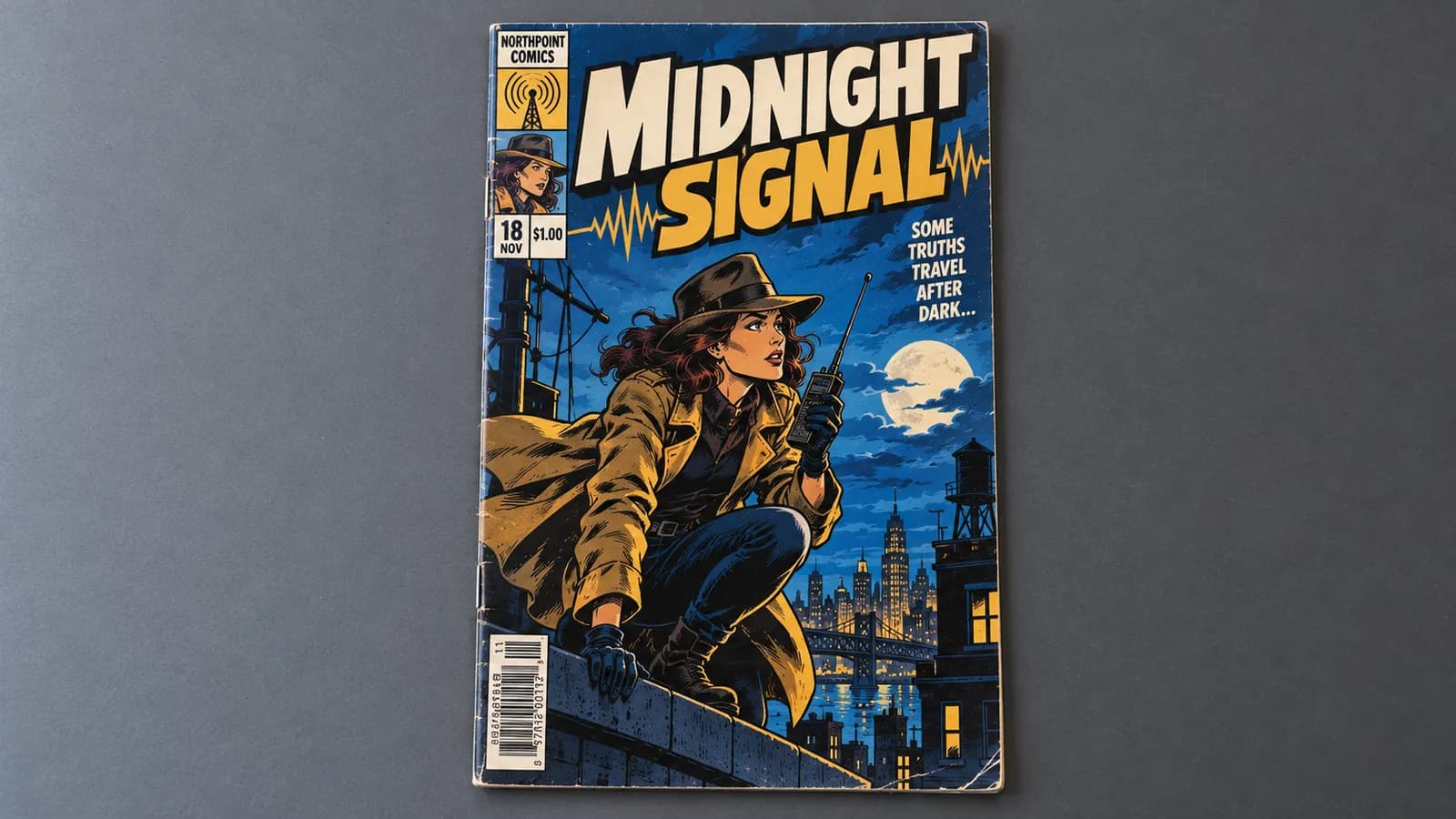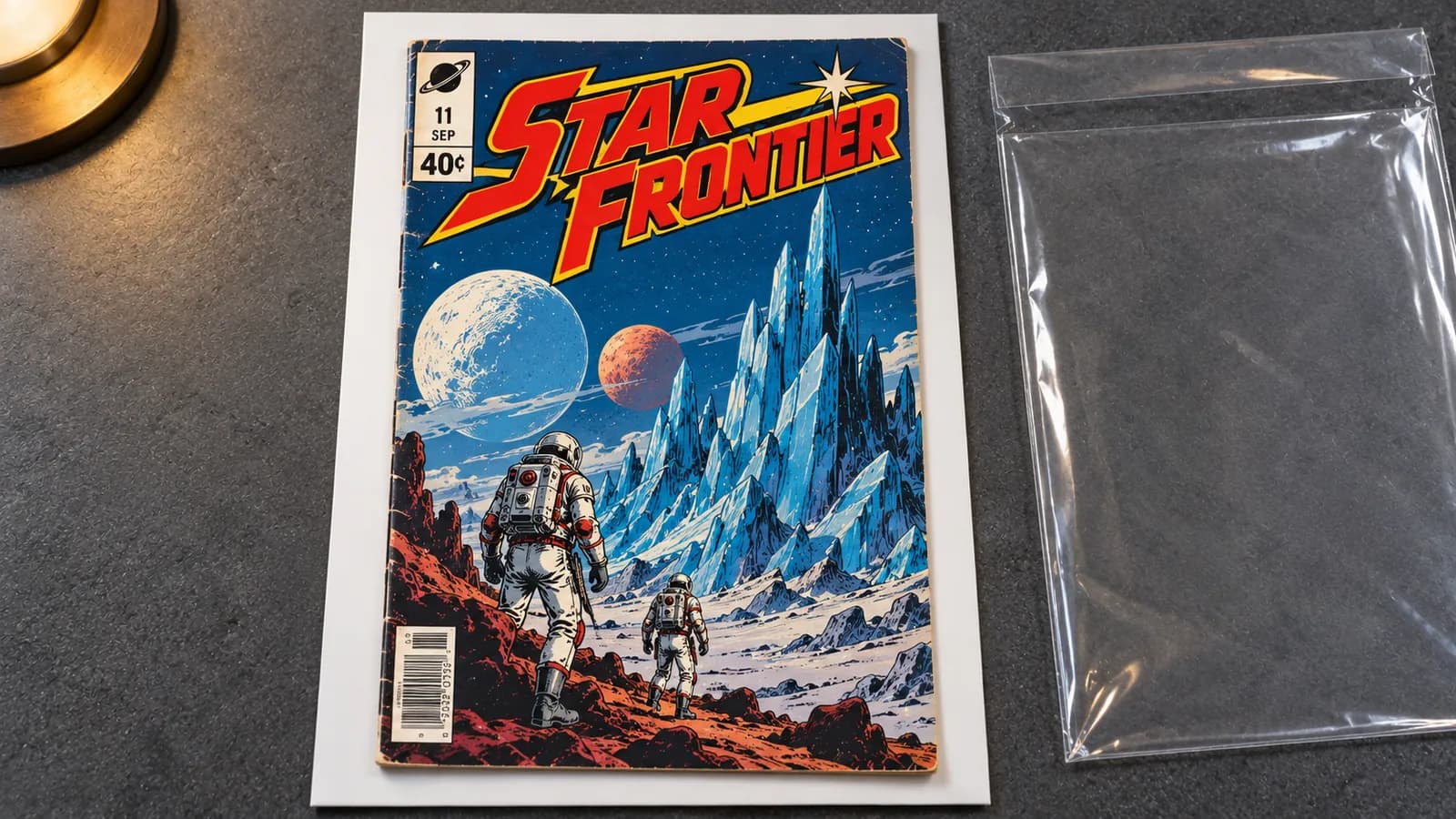
To inspect a comic book's condition, take it out of its bag first. The plastic lays glare over small color breaks and creases, and the board hides the back cover. With clean, dry hands, slide the book and board out together. Then check the title and issue, both covers in low side light, corners, edges, spine, staples and centerfold, interior pages, page color, and signs of restoration.
The exception is a book whose paper is brittle and crumbling: leave it in its sleeve. A bag is there to protect a book, not to show it to you.
Why a comic looks better in its bag
A bagged and boarded comic is one stored in a clear plastic bag or sleeve with a stiff backing board behind it. The setup protects the book and flatters it: the plastic adds a second glossy surface, and the board holds the book flat and covers the back.
The plastic puts its own glare on the cover
Part of the light bounces off the bag, laying a bright sheen over the art. Color break is ink that has cracked or worn through to the paper. It shows as small white flecks and lines, the same white as the sheen, so they vanish under it. Elsewhere the plastic still reflects a little light, which lowers contrast and makes a crease look fainter than it is.
The plastic adds lines of its own
An older bag carries wrinkles, scuffs, and a fold or sealed seam down each side. A spine tick is a short line across the spine fold where the cover has flexed. A bag wrinkle is a fixed line too, so it passes the moving-lamp test that exposes a reflection and reads like a tick. The bag's side edge runs along the spine edge, where ticks, wear and miswraps sit. A scuffed bag can make a clean cover look worn, and a yellowed one tints the colors.
The board flattens the book and hides the back
The board keeps the book flat, so a warp or a ripple from damp can look milder than it is. Turn the bag over and you see the board, not the back cover.
What a bag hides, area by area
Almost every area that sets a grade is harder to read through plastic, and some cannot be read at all. Raking light is light that strikes a surface at a low angle, so anything raised, dented or cracked catches a highlight or casts a small shadow.
| What you are checking | Through the bag | Out of the bag, in raking light |
|---|---|---|
| Color break at tips and edges | Lost in glare of the same white | White flecks that stay put when the lamp moves |
| Spine ticks | Confused with bag wrinkles and seams | Short lines across the spine fold; white ones have broken the color |
| Creases and dents | Softened by haze and the board | A line or shadow that brightens and fades as the light moves |
| Back cover | Hidden behind the board | In full view |
| Staples, centerfold, interior, page color | Hidden, since the book stays closed | Checked one by one |
| Smell | Trapped in the bag | Noticed as the flap opens; no photo records it |
The public sample reports from NuGrade, an AI-assisted grading app for raw comics, show findings in these places. Two sit on the back cover, where a board blocks the view: a small dark mark at the left edge, likely a bindery or printing artifact, on E-Man #1, and small nicks and edge wear along the spine-side edge on Green Lantern #59. The E-Man report also records a slight miswrap, a narrow unprinted strip along the front spine edge, where a bag's side edge lies.
Bag on, bag off: one copy under one lamp
This is an illustrative example, not a real report: one copy, one desk lamp, two looks.
Bag on. A Bronze Age book with a dark cover sits in an older bag with a board. It looks glossy and sharp. A band of glare runs down the cover, a few crinkles shine near the bottom, and the side seam draws a bright line along the spine. You might call it near mint.
Bag off. With the lamp low to one side, three short white ticks appear across the spine at the lower staple and hold their place as the lamp moves. The top-right corner tip has a small crease with a white fleck where the color broke. The back cover has a crease near the bottom edge, about 1/2 inch long in this example.
The book did not change; the evidence did. The corner crease alone keeps it below 9.0 VF/NM, whose published description allows no corner creases, and the ticks and the back crease can pull it lower. For scale, the Marvel Presents: Guardians of the Galaxy #4 sample report records a similar pair: a short corner crease with color break at the top-right tip, and an accumulation of small color-breaking stress ticks along the spine edge. The ticks limit that book to 7.5 VF-, and the report gives a range of 7.0 FN/VF to 8.0 VF.
How to take a comic out of its bag safely
Take the book out slowly and let the board carry it. The risky moments are pulling a comic by its cover and letting a corner catch on the opening.
- Prepare the table and your hands. Use a clean, dry table away from food and drinks. Wash and dry your hands, skip lotion, and take off rings and your watch. You do not need cotton gloves: as of October 2026, the U.S. National Archives advises clean, lotion-free hands for paper, because gloves can make delicate paper hard to handle.
- Look before you open. Check the bag for paper flakes or crumbs and the page edges for chips. If you see either, stop and read the section below on leaving a book in its sleeve.
- Check the flap. If tape holds it shut, peel the tape slowly off the plastic and fold its sticky side onto itself. If the flap has an adhesive strip, open it fully and fold it back, away from the opening.
- Slide the board out with the book on it. Keep the bag flat, hold the closed end, and draw the board out by its edge so the book rides out with it. Grip the board, never the comic.
- Go slowly at the opening. If a corner catches on the bag's lip or the cover clings to the plastic, stop, ease the book back and straighten it. Never shake the bag.
- Leave the book on its board. Do the first look with it lying there, and lift it only by the edges, with the spine supported.
What to check once it is out, in order
Check in order of how much handling each step needs, so you can stop early if the book proves fragile. For sizes and grade effects, see how to grade a raw comic at home; for photos, which also belong out of the bag, see how to photograph comics for grading. The comic grading glossary defines the terms.
- Identity. Read the title, issue, publisher, cover date and price from the cover, and later confirm them against the indicia, the small publication notice inside.
- Both covers, in raking light. Look for creases, dents, color breaks, scuffs, fading and writing, then lift the book by its edges, lay it face down, and check the back cover the bag hid.
- Corners. Check all four tips for blunting, small creases and white flecks.
- Edges. Check the top, bottom and right edges of both covers for chips, nicks and small tears.
- Spine. Let the light run along the spine and look for ticks, stress lines near the staples, a split or a roll. A tick holds its place as the lamp moves; a reflection slides.
- Staples and centerfold. Open the book at the middle, no wider than flat, and check the staples for rust and the centerfold for a secure hold at both staples. As of October 2026, the Library of Congress care page for comic books says never to open a comic more than 180 degrees or fold it back on itself.
- Interior. Turn each page once, slowly, looking for tears, missing pieces, cut coupons, writing and loose pages.
- Page color. Judge the middle and edges of the pages, with white printer paper beside them as a reference.
- Restoration signs. Look for smooth, flat color over a crease or tick, paper of a different tone, or edges too sharp for the wear around them. Finding nothing is not proof: write "no signs seen", never "unrestored".
Then note what no look can show: smell, page feel, and any pressing, cleaning or repair you know about. NuGrade's survey asks about these because the camera cannot see them. A NuGrade report is an opinion limited to its photos and video. It does not replace professional grading, and good restoration can stay invisible in ordinary light.
When to leave the book in its sleeve
Leave a book in its sleeve when its paper is brittle, because every slide and every page turn can break off more of it. Through the plastic, brittle paper shows as flakes or crumbs in the bag and as chipped page corners and edges. Color is not a reliable guide: the published page-quality descriptions note that pages can look white or off-white and still be brittle along the spine.
To inspect it, leave it flat in its sleeve on the table; clear, unscratched plastic shows the most. Set the lamp low to one side, and move the lamp and your head, not the book, until the glare leaves the area you are checking. Repeat from the other side. Then write down the limit: color breaks, fine ticks and small creases may stay hidden, and the back cover behind a board, the staples, the centerfold and the interior go unchecked.
On the published scale, slightly brittle pages cap a book at 6.5 FN+ and brittle pages at 3.5 VG-, so the goal is to keep it from getting worse. A NuGrade capture includes a page-flip video, which means turning every page, so a photo report is the wrong tool here. For condition problems that basic care does not solve, the Library of Congress page points readers to a book or paper conservator. It also notes that polyester sleeves build static that can lift crumbs from embrittled comics, one more reason not to slide a brittle book in and out.
Put it back in a fresh bag and board
Re-bag the book with a fresh bag and board if the old ones are worn: a bag that is cloudy, yellowed, wrinkled, split or sticky at the flap, or a board that is bent, stained or yellowed. Use sizes made for the book's era, so it sits flat without being squeezed, and boards sold as acid-free.
The Library of Congress page recommends acid- and lignin-free storage materials and polyester sleeves stiff enough to support the book, and it advises against self-adhesive tape on comics. Put the board behind the back cover, and fold the flap over the back instead of taping it shut. Then store it away from light, in a cool, dry room rather than an attic or a basement, as the same page advises.
A bag-off checklist you can copy
Copy it into a notes app or print it.
BAG-OFF FIRST LOOK
[ ] Clean, dry table; hands washed, no lotion
[ ] No flakes or crumbs in the bag (if any: stop,
    inspect through the sleeve, note the limit)
[ ] Flap tape or adhesive folded away
[ ] Board and book out together, held by the board
[ ] First look in order (identity to restoration)
[ ] Noted: smell, page feel, known history
[ ] Worn bag or board replaced; flap folded, not taped
Frequently asked questions
Should you take a comic out of its bag to inspect it?
Yes, unless the paper is brittle. A bag's glare and seams hide color breaks, spine ticks and small creases, and the board hides the back cover, so a full inspection needs the book out on a clean table.
Can you judge a comic's condition through its bag?
Only roughly. You can read the title, obvious damage and the general look of the front cover, but not the back cover behind a board, the staples, centerfold, interior or page color. Any grade made that way should be a wide range, with those areas marked as not inspected.
Do you need gloves to handle a comic book?
No: clean, dry hands without lotion are enough for paper, and the U.S. National Archives notes that gloves can make delicate paper hard to handle. Keep food and drink away and hold the book by its edges.
How can you tell if a comic is too brittle to take out of its bag?
Look through the plastic for paper flakes or crumbs in the bag and for chipped page corners and edges. If you see them, leave the book in its sleeve and inspect it there, with a lamp low to one side.