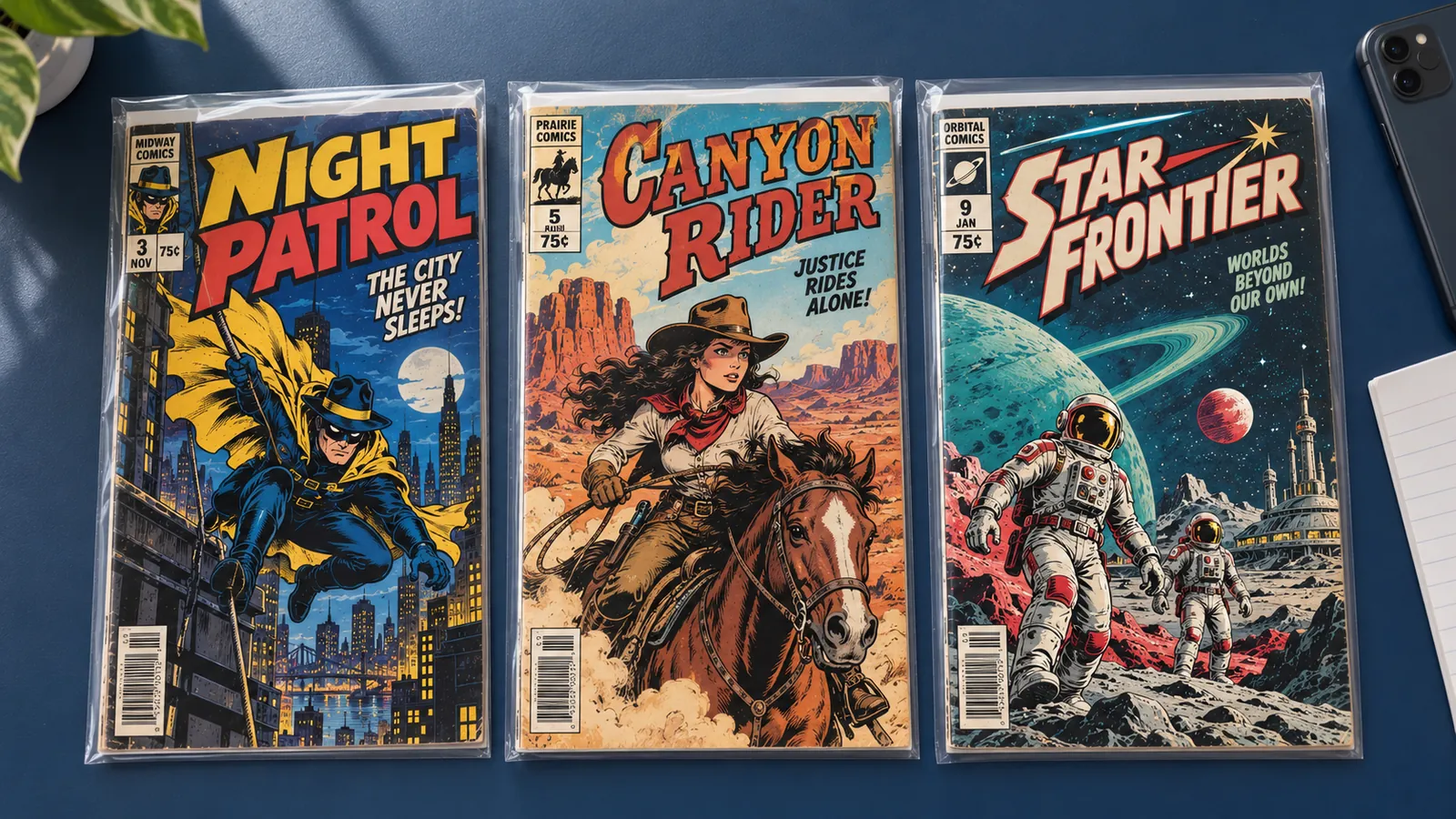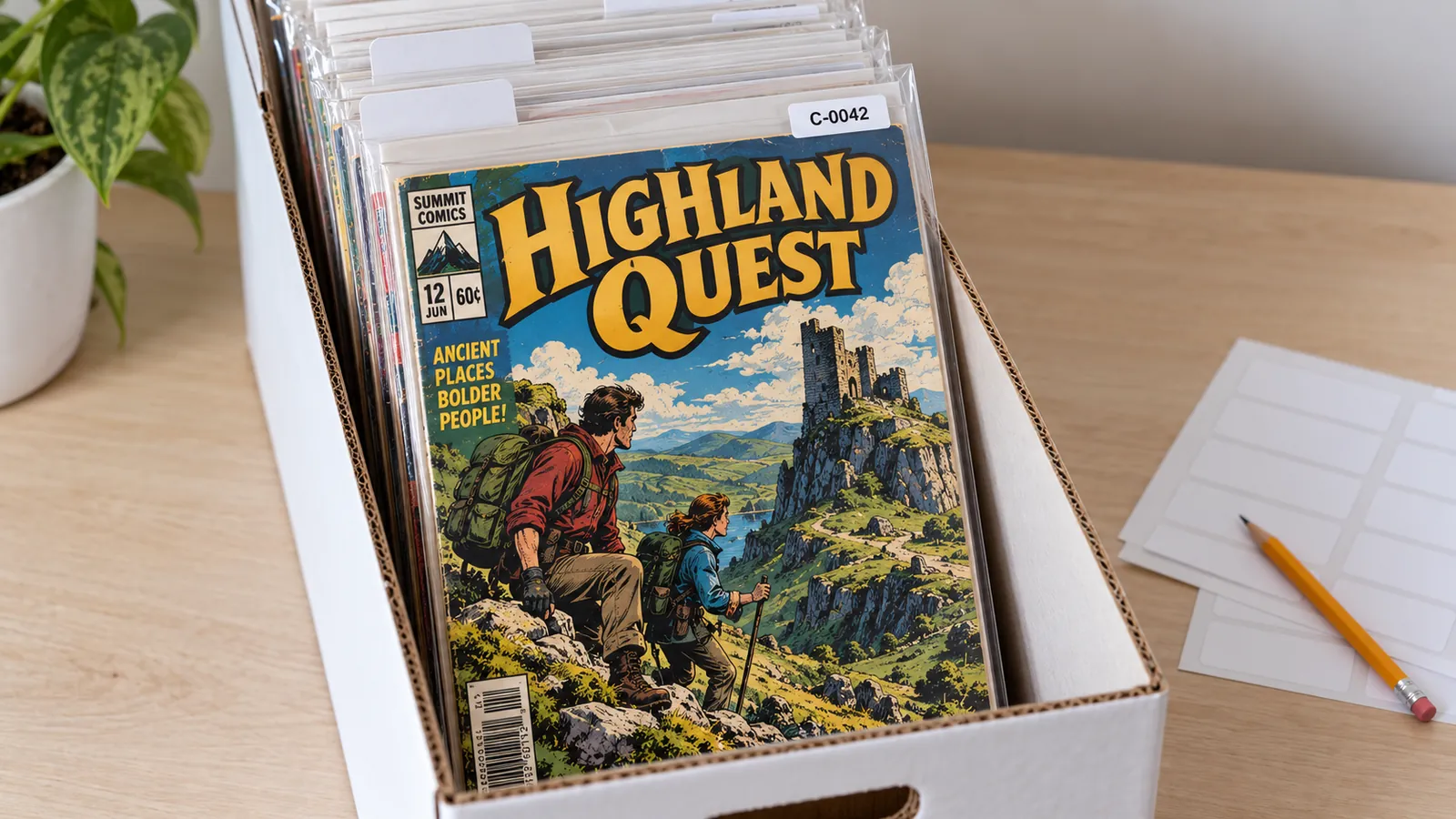
To organize a comic collection inventory, give every copy a permanent ID, put that ID on a tag on its bag or board, and keep one spreadsheet row per copy. The row records what the book is, where it sits (box and position), and how you know its condition: the grade, its date, its source and any report link. File the boxes by title, volume and issue.
The system passes its test when you open a longbox: you pull any book, find its row from the tag, and put it back in its place. It works in any spreadsheet program.
Give every copy a permanent inventory ID
An inventory ID is a short code that names one physical copy and never changes, even when the book moves, sells or gets a new grade. Two copies of the same issue get two IDs.
Four rules keep IDs useful:
- Keep the location out of the ID. An ID such as "box 3, slot 12" breaks the first time you re-sort.
- Use a letter prefix and fixed digits, such as C-0001. The prefix stops a spreadsheet from reading the ID as a number and dropping the zeros.
- Hand out IDs in the order you enter books, not in sort order.
- Never reuse an ID, even after a sale. The retired ID is the key to that book's sale record.
What to write on the bag or board tag
The tag carries the facts that never change: the ID, the title, the year the series started and the issue number. Everything that changes, such as the grade, the box or the value, lives only in the spreadsheet, so a tag never goes stale.
C-0007
Marvel Presents (1975) #4
Put the tag on a small label on the outside of the bag, or in pencil on the back of the board, facing away from the book. Never write on the comic, and never stick anything to it.
The published grade descriptions accept a small, unobtrusive arrival date, stamped or written on the cover by a newsstand or wholesaler, even at 9.9 MT. But not until the 4.0 VG description do they say that name stamps and initials have no effect on the grade. An ID written on a cover is that kind of owner's mark. The Library of Congress guidance on caring for comic books also warns against self-adhesive tape, rubber bands and glue on comics.
Leave a grade report's QR code off the tag unless you will replace the tag after a regrade. A regrade creates a new report with a new ID and QR code. The old code still opens the old report unless the owner deletes it. Let the spreadsheet row point to the current report.
Which spreadsheet columns a comic inventory needs
Use one row per copy and these 19 columns.
| Column | What goes in it |
|---|---|
| id | Permanent inventory ID, such as C-0007 |
| title | Series title, as the indicia prints it |
| volume | Year the series started, such as 1960 |
| issue | Issue number, stored as text |
| cover_date | Cover month as YYYY-MM, such as 1968-03 |
| publisher | Publisher name |
| printing_variant | Printing, cover price and cover variant |
| newsstand_or_direct | newsstand, direct, n/a or unknown |
| box | Box ID, such as LB-02 |
| position | Divider letter, or "by ID" |
| grade | Number on the 10-point scale, such as 7.5 |
| grade_date | Date of the assessment, as YYYY-MM-DD |
| grade_source | self, seller, report or professional |
| report_link | Report URL or report ID, if one exists |
| photos_folder | Folder for this copy's photos |
| purchase_date | Date you got the book |
| purchase_price | What you paid, as a plain number |
| status | in collection, listed or sold |
| notes | Cover logo, limiting flaw, history |
How to fill in the identity columns
The identity columns answer one question: which exact item is this? Title, volume and issue name the issue. Printing, variant and edition name the item on your shelf.
Title and volume
The indicia is the small block of publishing information, usually at the bottom of the first interior page or inside the front cover. Take the series title from there, not from the cover logo. In a sample report from NuGrade, an AI-assisted grading app for raw comics, the largest type on the cover of Marvel Presents: Guardians of the Galaxy #4 (Marvel, April 1976) reads Guardians of the Galaxy. Marvel's own catalog lists the issue as Marvel Presents (1975) #4, so file it under M and put the cover logo in the notes.
For the volume, write the year the series started. "Green Lantern #59" can mean the March 1968 issue in another sample report, from the series that began in 1960, or the #59 of two later Green Lantern series, cover-dated February 1995 and December 2010. "Green Lantern (1960) #59" means one issue.
Cover date
Record the printed cover date as YYYY-MM so the column sorts. Cover dates usually ran ahead of the on-sale date, often by two or three months, so other sources can disagree; the printed date is the one anyone can check. For a two-month or seasonal date, write the first month and copy the wording into the notes.
Printing, variant, and newsstand or direct
The printing_variant column separates items that share a title and a number:
- Marvel Presents #4 exists with the regular 25-cent cover price and with a 30-cent price that Marvel tested in some markets between April and August 1976. The sample copy shows the 25-cent price.
- Green Lantern #59 has a facsimile edition, a modern reprint of the whole issue, that went on sale in December 2024 with foil and blank-cover variants. A bare "Green Lantern #59" row could be any of them.
A later printing usually says so in the indicia or on the cover. Write "1st print" only after you have checked.
A direct edition is a copy sold through comic shops; a newsstand edition went to newsstands and other general retailers. From the late 1970s into the 1990s, direct copies usually showed a logo, an image or a line through the barcode, while newsstand copies carried a full barcode. Write n/a for books printed before then, and unknown when you cannot tell.
How to record condition evidence with a date and a source
A grade is only as useful as its date and its source, so record all three, plus where the evidence lives.
- Grade. Write the number, 7.5 rather than VF-, so the column sorts. The tier name follows from the number (what VF, FN and NM mean).
- Date. Handling, storage, pressing or cleaning can change a raw book, so a grade is true only as of the day someone assessed it.
- Source. Use one of four words: self (your own estimate, made with a photo-first home grading checklist), seller (the description you bought it with), report (a photo-based grade report) or professional (a grading service, with the certification number in the notes).
- Report link. A NuGrade report has a public URL, a short report ID such as NG-HM9D44HX-7VVS, and a QR code. Paste the URL, or just the ID: anyone can open a report at nugrade.app/lookup without an app or an account. Each report is a dated snapshot stamped with the methodology version that produced it, so the grade at the link does not shift under your row.
- Photos folder. Make one folder per ID, with a dated subfolder for each session, such as photos/C-0007/2026-09-30. Save the seller's listing photos there too; they show the condition as the seller presented it. For what to shoot, see how to photograph a comic so the flaws show.
A CSV template with two example rows
Save the block as a plain text file named inventory.csv and open it in any spreadsheet program.
id,title,volume,issue,cover_date,publisher,printing_variant,newsstand_or_direct,box,position,grade,grade_date,grade_source,report_link,photos_folder,purchase_date,purchase_price,status,notes
C-0007,Marvel Presents,1975,4,1976-04,Marvel,25c regular price,n/a,LB-02,M,7.5,2026-09-30,report,https://www.nugrade.app/r/NG-HM9D44HX-7VVS,photos/C-0007,,,in collection,"Cover logo: Guardians of the Galaxy. Range 7.0 to 8.0, limited by color-breaking spine ticks."
C-0012,Green Lantern,1960,59,1968-03,DC,12c original,n/a,LB-02,G,5.5,2026-09-30,report,https://www.nugrade.app/r/NG-MMDT9A2T-AVTF,photos/C-0012,,,in collection,"Not the 2024 facsimile. Range 5.0 to 6.5, limited by color-breaking spine ticks at both staples."
These are example rows. The book details, grades, dates and report links match two NuGrade sample reports graded on September 30, 2026. The IDs, box, position and folder are placeholders, and the purchase fields are blank.
The notes cells contain commas, so they sit inside double quotes, as the CSV format (RFC 4180) specifies. Set the issue and cover_date columns to plain text, or a spreadsheet may turn an issue numbered 1/2 or a date such as 1976-04 into a calendar date.
How to label boxes and choose a sort order
Give each box an ID, label both short ends, and file the books inside by title, then volume, then issue.
Use LB-01, LB-02 for long boxes and SB-01 for short boxes. The end label shows the box ID and the first and last book inside, such as "LB-02: Green Lantern (1960) #40 to Marvel Presents (1975) #12", on a label you can replace as the range changes. A Boxes tab in the sheet records the room and shelf of each box. The Library of Congress page above advises a cool, relatively dry place, away from attics and basements.
Two sort orders work:
- Alphabetical. By title, then series start year, then issue number, with one divider per letter or per title. The full rules are below.
- By value tier. A value tier is a group of books you treat the same way. Sort by what you would do with each book, not by price: consider it for professional grading, get a dated report before a sale, or keep it as a reading copy. The break-even math for professional grading helps you place a book.
In an alphabetical box, record the divider (G) as the position, not a slot number, because one new arrival would shift every number behind it. Keep the top tier in its own short box filed by ID: new books go at the back, and nothing is renumbered.
Write the rules on the first tab of the sheet:
FILING RULES
1. One ID per copy. Never reuse an ID.
2. Title as the indicia prints it; ignore a leading "The".
3. Then the series start year, oldest first, then the issue number.
4. Annuals and specials go after the regular issues of their series.
5. The top value tier lives in its own box, filed by ID.
6. Tags carry the ID, title, start year and issue only.
How to keep the inventory current
Update the row on the same day a book moves, sells or gets a new grade. A stale row is worse than a missing one, because you will trust it.
- A book arrives. Give it the next ID, tag the bag or board, fill in the identity and purchase columns, save the seller's photos, then file it.
- A book moves. Change the box and position before you close the lid.
- A book is listed. Set the status to listed, and put the report link in the listing so a buyer can check the condition.
- A book sells. Set the status to sold, move the row to a Sold tab, and add the sale date and price. Keep the report link as a dated record of the condition.
- A book is regraded. After pressing, cleaning, damage or a new set of photos, update the grade, date, source and report link, and move the old link into the notes with its date. The old report stays live at its URL unless you delete it, so keep a local copy for your records.
- Once a quarter, open one box and check every tag against its row.
Export a CSV copy after each session and keep it somewhere other than the computer you edit on. Before you share the list, make a separate copy. Delete private columns and tabs, including the box, position and purchase columns. The companion guide on sharing a collection without losing the condition details covers the rest.
Frequently asked questions
What is the best way to organize a comic book collection?
File the books by title, then by the year the series started, then by issue number, and give every copy a permanent inventory ID that matches one spreadsheet row. Keep the most valuable books in a separate box filed by ID.
Should you write on comic bags or boards?
Write on a label on the outside of the bag, or in pencil on the back of the board, never on the comic itself. The published grade descriptions do not ignore name stamps and initials until the 4.0 VG level.
How do you keep grades current in a comic inventory?
Record a date and a source with every grade, and update the row when the book is pressed, cleaned, damaged or regraded. Keep the old grade and its link in the notes. Save a local copy of the report because its owner can delete it.
Can a grade report link go in a comic inventory?
Yes. A NuGrade report has a public URL, a short report ID and a QR code, and anyone can open it at nugrade.app/lookup without an account. A regrade creates a new report with a new ID, so update the link when you regrade.