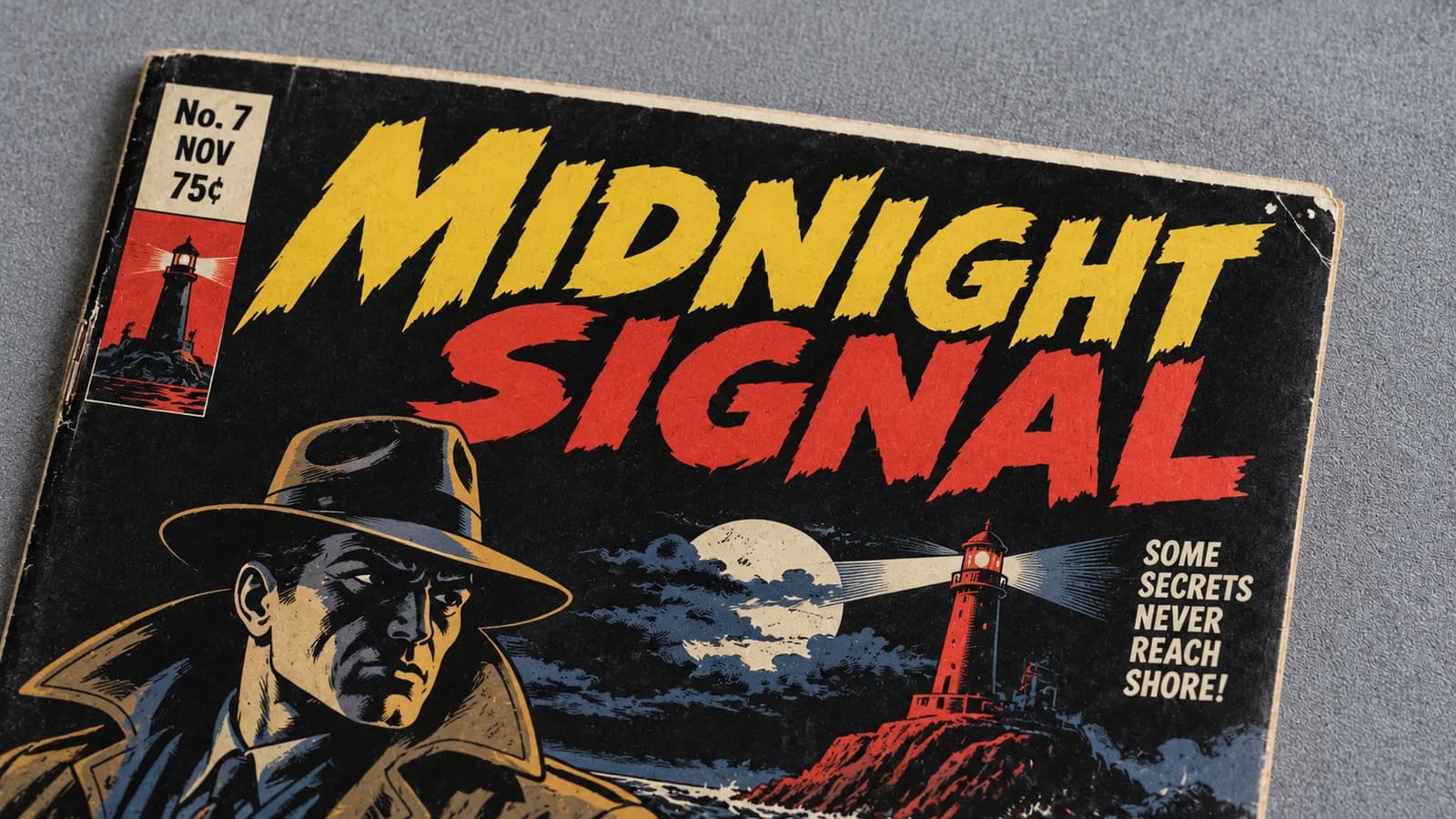
Edge wear on a black comic cover is ink rubbed away along the cut edges and corners, so the paper underneath shows as tiny white flecks; cracked ink at the spine shows the same white. Up close, against the black, it is hard to miss. At arm's length, in a full-cover phone photo or under glare, the flecks can vanish, so the book looks better than it grades.
Grading happens up close, in good light, so judge a black cover the same way: edge by edge, with the light under control.
Why does a black cover look cleaner from a distance?
Black-cover wear is small and bright, and three everyday conditions hide small bright marks: distance, a shrunken photo and glare.
Color break is any spot where the cover ink has cracked, flaked or worn away so the paper underneath shows. Edge wear is the rubbing damage along a cover's cut edges: lost ink, tiny nicks and roughness. On black, both show as white or pale cream, the color of the paper under the ink.
- Distance. At arm's length, a deep, glossy black looks like the bright, high-gloss ink the top grade descriptions call for. A fleck smaller than a pinhead is easy to miss, and many sit right on the edge, where the eye reads the outline of the book, not its ink.
- A small photo. A phone screen shows a full-cover photo at under half the book's real size, and listing pages and messaging apps resize and compress it further, which can smooth tiny specks away.
- Glare. Glossy black works like a dark mirror. A lamp or window reflects as a pale patch, and white flecks inside it disappear, while the black around it looks deep and unbroken.
Up close, the black works the other way. Paper-white on black is the strongest contrast a cover can show, while the same rub on an unprinted white area may leave no color change at all. Deep reds, blues and greens behave like black to a degree. That is why collectors often say black-cover books are hard to find in high grade: the color is not graded down, but it lets almost every fleck be seen.
Where does wear show on a black cover, and how does it grade?
Wear collects where hands, bags and shelves touch the book: the spine fold, the corner tips, the cut edges and the open black field. Near the top of the 10-point grading scale, the published grade descriptions allow almost none of it. For the tier names, see what VF, FN and NM actually mean.
A spine tick is a short crease across the spine fold where the cover flexed; when it breaks the ink, it shows on black as a short white line.
| Where | On black it looks like | What the published descriptions allow |
|---|---|---|
| Spine fold | Short white lines across the fold | Almost no stress lines at 9.4 NM and 9.2 NM-; a few faint ones and a possible minor color break at 8.0 VF |
| Corner tips | A white dot or a pale, softened tip | Only the slightest blunting through 9.0 VF/NM; minute corner wear first named at 8.0 VF |
| Corner creases | A short white line in from the tip | None at 9.0 VF/NM; at 8.0 VF, only an unnoticeable 1/4 inch crease with the color unbroken |
| Edges | A row of white flecks or a broken white line | No surface wear at 9.2 NM- and up; almost imperceptible wear at 9.0 VF/NM |
| Black field | White flecks, dull scuffs, fine scratches | Bright, high-gloss ink near the top; the gloss allowed falls step by step to a significant loss at 6.0 FN |
NuGrade, an AI-assisted grading app for raw comics, spells this out in its method: ink worn through at any corner or edge counts as color break, so the book cannot grade 9.2 NM- or higher. A small, isolated fleck sits around 9.0 VF/NM or 8.5 VF+, by its size and how much it shows, and a worn-through corner sits lower. The same fleck lands at the same grade on any cover.
One white flaw can set the grade, because a book grades no higher than its worst area. Pressing will not erase it: a press can relax a bend but cannot put back lost ink, as what pressing can and cannot fix explains.
Scratches, scuffs and fingerprints on dark gloss
Dark gloss also shows damage that has not reached the paper. Scratches, light scuffs and fingerprints change the shine, not the color, so they show best when light skims the cover.
- Scratches are thin lines that flash as a highlight crosses them. Sliding a book in and out of a bag, or across other books, can leave them.
- Abrasion is rub wear on the cover surface. Light abrasion dulls the gloss in hazy patches; deeper abrasion wears through to white flecks.
- Fingerprints show as dull, whorled smudges under a low light, and graders count them as soiling.
All of them count against a high grade, since the top grade descriptions call for no surface wear and bright, high-gloss ink. Do not rub at a print or a scuff: rubbing dark gloss tends to add fine scratches, and any cleaning is something to disclose.
As of October 2026, the Library of Congress care page for comic books asks for clean hands and a clean work area, and advises against opening a comic past 180 degrees or folding it back on itself, which flexes the spine fold where ticks form.
How to tell wear from a reflection on a dark cover
Move the light and watch the speck. Wear stays the same color in the same place from every angle; a reflection moves or disappears.
| What you see | Likely cause | How to confirm |
|---|---|---|
| White that stays white from every angle | Color break | It holds still as the lamp moves, stays white from straight above, and shows in several spine-video frames in a row |
| A pale patch that slides with the light | Reflection | It moves with the lamp or your head, and it is gone when no highlight falls on the cover |
| A line that flashes only as a highlight crosses it | Scratch or scuff | It shows the shine of the surface, never the white of the paper |
| A speck that sits on top of the surface | Dust or lint | It looks fuzzy or fibrous in a sharp close-up, and it may be gone in the next photo |
| A crisp white strip or spot away from where hands touch | Printing or bindery flaw | It follows the print or the trim, not the wear |
| Black of a different shade or shine on a tick, corner or edge | Color touch, a form of restoration | It looks smooth and flat where printed black has a fine grain |
Printing flaws are graded as production defects, which the descriptions tolerate in small amounts even near the top. The E-Man #1 sample report records a slight miswrap with a narrow unprinted strip along the front spine edge, and the book still grades 9.2 NM-.
Color touch is the row buyers should care about most. The published restoration scale puts pen and marker work in its lowest quality class, and a restored book is graded and sold as restored, so never fill white flecks yourself.
How to inspect and photograph a black cover
Look twice: once with light skimming the cover to read the gloss, and once with no reflection on it to read the white. Raking light is light that skims a surface from a low angle, so anything raised, dented or scratched catches a highlight.
- Take the book out of its bag. A sleeve adds glare and scratches that pass for cover wear on black. Use clean, dry hands and a clean surface.
- Use a matte, dark surface. A dark gray cloth keeps a black cover's outline visible, where black cloth would swallow it.
- Light it with one lamp, low and to one side, flash off. A flash puts a hot spot on black gloss and flattens the shadows that show creases.
- Read the gloss. Move the lamp slowly in an arc. Scuffs, scratches, prints and dents show as the highlight passes.
- Read the white. Move the lamp until no reflection falls on the cover, and look from straight above. What stays white is color break, a printing flaw or dust.
- Go edge by edge. Work clockwise from the top-left corner, front then back. Shoot each corner tip from 3 to 4 inches away, and each edge in overlapping close-ups from the same distance.
- Film the spine. With the lamp low beside it, record one slow pass from top to bottom in 10 to 15 seconds.
- Keep the black black. If the cover looks gray on screen, tap to focus, then lower the exposure a little. The flecks stay white.
- Zoom in before you decide. Open each photo at full size and check every white speck against the table above.
For framing and the full capture set, see how to photograph comics so the flaws actually show. To turn your notes into a grade band, use the photo-first checklist for grading at home.
What the close-ups found on a real black cover
NuGrade's public sample report for Marvel Presents: Guardians of the Galaxy #4 (Marvel, April 1976) is a real example. Its overview describes "a bright, glossy Bronze Age copy," yet it grades 7.5 VF-, with a range of 7.0 FN/VF to 8.0 VF, and most of the findings behind that grade came from close-ups.
Graded on September 30, 2026, from seven photos and two short videos, it records six findings on the outside of the book:
| Finding, in the report's words | Where the report saw it |
|---|---|
| An accumulation of small stress ticks along the spine edge through the upper and middle spine, several showing white color break against the black cover | Adjacent frames of the spine pass (the finding that limits the grade) |
| Further small stress lines near the lower staple position | A frame from the spine pass |
| Short corner crease at the top-right tip with color break exposing paper | Top-right corner close-up |
| Slight blunting with a small white wear fleck at the bottom-left corner tip | Bottom-left corner close-up |
| Light edge wear with small white flecks along the top cover edge near the top-left | Top-left corner close-up |
| Scattered light abrasion flecks in the black field near the edges | Front cover photo |
Five of the six came from a corner close-up or the spine video. Only the abrasion flecks were cited to the full front-cover photo. The ticks count because they persist across adjacent frames, which rules out a passing reflection.
This is one book, not an accuracy test. Restoration reads Unverified, and the report states that defects smaller than the photos resolve may exist; in a NuGrade capture, the stretches of edge between the corner close-ups appear only at full-cover scale. Anyone can open the report by its ID, NG-HM9D44HX-7VVS, at the report lookup, with no app or account.
Buying or selling a black-cover book from photos
Treat a full-cover photo of a black cover as a first look, not evidence. The close-ups hold the evidence that sets the grade.
As a buyer, ask for all four corners and each edge up close, shot out of the bag with the flash off, plus a short spine video under side light and the back cover. Ask directly about pressing, cleaning and touch-ups; a seller who does not know can say so. If the book has a NuGrade report, open the cited frames yourself.
As a seller, put the close-ups first, describe each white mark by its place and size, and disclose any pressing, cleaning or touch-up you know about. If you are unsure, give a range: why a grade estimate comes as a range instead of one number explains what moves one.
For a valuable black-cover book, professional grading is still the right choice, because touch-ups and flecks too small for a photo are easier to settle in hand.
Frequently asked questions
Why do black comic covers show wear so easily?
Wear removes ink and exposes the paper underneath, which is white or pale cream. Against black, that is the strongest contrast a cover can show, so even a fleck smaller than a pinhead stands out up close.
Why does a black comic look better in photos than in hand?
A full-cover photo shrinks the book, compression smooths tiny specks, and glare on black gloss hides the flecks inside it. Close-ups under one low lamp, with the flash off, show what a full-cover photo hides.
Do black covers grade lower than other covers?
Not because of their color. A grade counts the wear a careful look can see, and black lets almost all of it be seen.
Can pressing remove white flecks on a black cover?
No. Pressing can relax a bend, but it cannot replace ink that has worn or cracked away.
Is it OK to touch up white flecks with a black marker?
No. Ink added over wear is color touch, a form of restoration, and a restored book is graded and sold as restored. Disclose any touch-up you know about when you sell.