The best AI comic grading app is the one whose grade you can check. As of October 2026, check five things first: it asks for the back cover, corners, spine and interior, not one cover photo; each finding cites the photo it came from; it shows a range and what it could not see; it asks what a camera cannot see; and its report cannot silently change.
We make NuGrade. Apply this checklist to us too. NuGrade is an AI-assisted grading app for raw comics, and the section before the FAQ shows how it answers each line, with a real sample report you can open. No other app is named here; the checklist is for you to run on any app you are considering.
The October 2026 checklist at a glance
Use this matrix on any app before you trust its grade. Apps change often, so test the current version.
| Check | Why it matters | A good answer | A red flag |
|---|---|---|---|
| Capture inputs | A grade can only reflect what the photos show | Front and back covers, all four corners, the spine and the interior, with short videos for the spine and pages | One front-cover photo |
| Capture checks | Blur and glare hide defects | The app flags capture problems before it grades | It grades any photo you upload |
| Evidence | You need to check each claim yourself | Every finding names the photo or video frame it came from | "Light wear" with no location or photo |
| Uncertainty | Photos cannot see everything | A grade range, the limiting defect, and stated evidence limits | One exact number and nothing else |
| Restoration | Competent restoration can be invisible in photos | Restoration marked unverified when the photos cannot establish it | "No restoration" from photos alone |
| Owner disclosure | Odor, brittleness, pressing and some repairs do not show in photos | A survey with an explicit "nothing that I know of" answer that is never pre-selected | No questions, or a pre-checked "none" |
| Output | A buyer must be able to check the report | A fixed report with an ID, a public link and a PDF, checkable without an account | A screenshot, or a grade that can change after you share it |
| Cost | You may grade a whole stack | A clear price per report and a stated re-shoot policy | A subscription just to see your own grade |
| Privacy | Photos of your books are your data | A clear statement of what is public and what is stored | No privacy policy, or unclear sharing |
Capture: what the app asks you to shoot
A grade can only reflect what the photos show. Many condition problems sit away from the front cover: stress ticks at the spine fold, blunted corners, back-cover stains, rust around the staples, tanned or missing pages. An app that grades from one front-cover photo has to guess at all of them.
Check what the app asks for:
- The back cover. It carries its own creases, stains and writing.
- Corner close-ups. A blunted tip or a 1/16 inch crease that breaks the color can decide between two tiers.
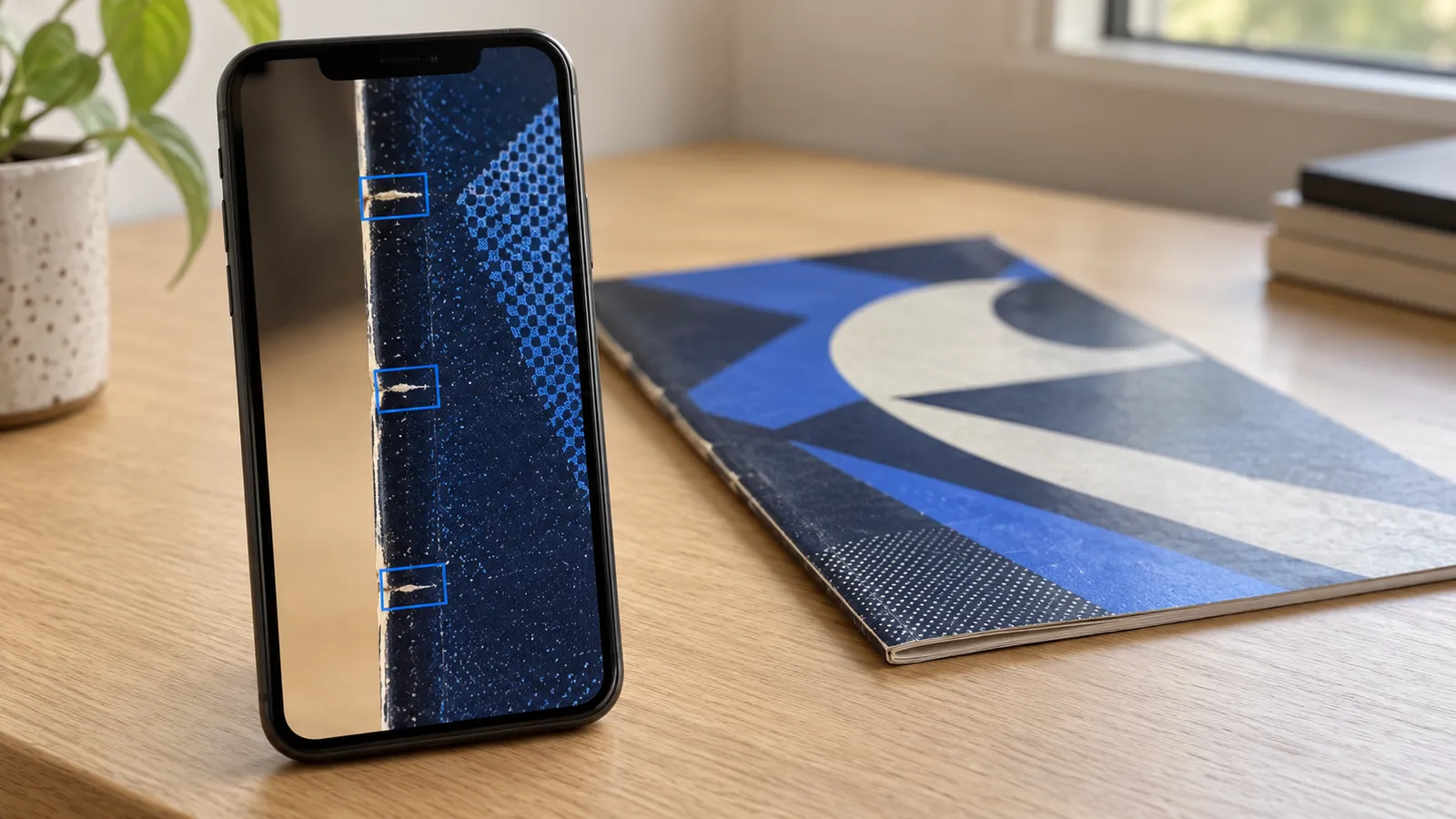
- The spine, along its full length. Stress ticks with color break at the fold can limit a grade on their own. A slow video pass shows the spine under changing light, which helps a small tick stand out.
- The interior. A page flip shows page color and missing pages or coupons. A centerfold photo shows rust and tears around the staples.
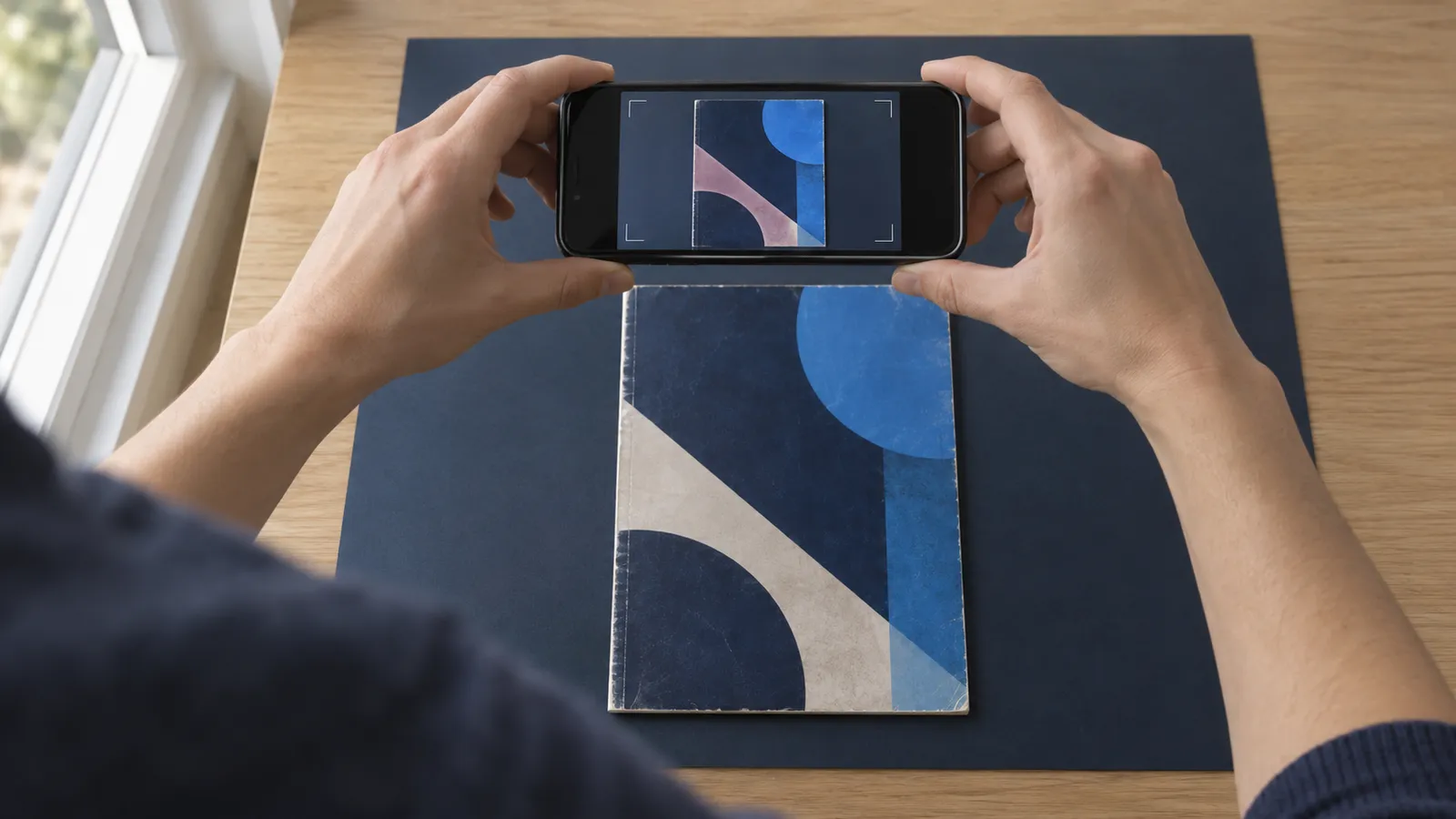
Then check whether the app looks at your photos before it grades. A blurred corner or glare across the cover should get a re-shoot request, not a confident grade. For the shooting itself, see how to photograph comics so the flaws actually show.
Evidence and uncertainty: can you check each finding?
A finding you cannot check is only an assertion. A good app ties every defect to a specific photo or video frame and says where on the book it is, for example "a 1/8 inch color-breaking tick at the top of the spine, seen in a frame from the spine pass". A weak one writes "light wear" and moves on. With a citation, you can open the photo, find the defect and decide whether you agree. A buyer can do the same.
Next, look at how the app handles uncertainty. A photo grade is an opinion from limited evidence, so one bare number claims more than anyone can know. Look for:
- A range. A grade of 9.2 NM- with a range of 8.5 VF+ to 9.4 NM tells you how far the in-hand grade could move. If the tier names are new to you, read what VF, FN and NM actually mean.
- The limiting defect. The report should name the one thing that keeps the book out of the next tier up.
- Evidence limits. The report should say what the photos could not show, such as defects smaller than the photos resolve and anything only the owner knows.
- Restoration status. Careful color touch or piece fill can be invisible in ordinary photos. An honest app marks restoration as unverified when it cannot establish it. "No restoration detected" without that limit reads as a clearance the photos cannot give.
For a longer look at the blind spots, see can AI grade a comic from photos?.
Disclosure: what the camera cannot see
Some facts change a grade or a label but do not show in photos: a musty odor, pages that crack at the corner when you turn them, past pressing or cleaning, tape removal, color touch, trimmed edges, a married cover, and whether a signature was witnessed. Only the owner can report these.
A good app asks about them in a short survey and treats silence with care. "Nothing that I know of" should be an answer you choose, never a box that comes pre-selected. If an app never asks, its grade cannot account for any of these points.
Output, cost and privacy
Output. A grade helps you sell only if a buyer can check it. Look for a report with a unique ID, a public link and a downloadable PDF that a buyer can check without installing the app or making an account. Then ask the question most people skip: can the report change after you share it? If a regrade overwrites the old result, the link in your listing may later show a different grade than the one your buyer saw. A trustworthy report is a fixed snapshot, and a regrade creates a new report.
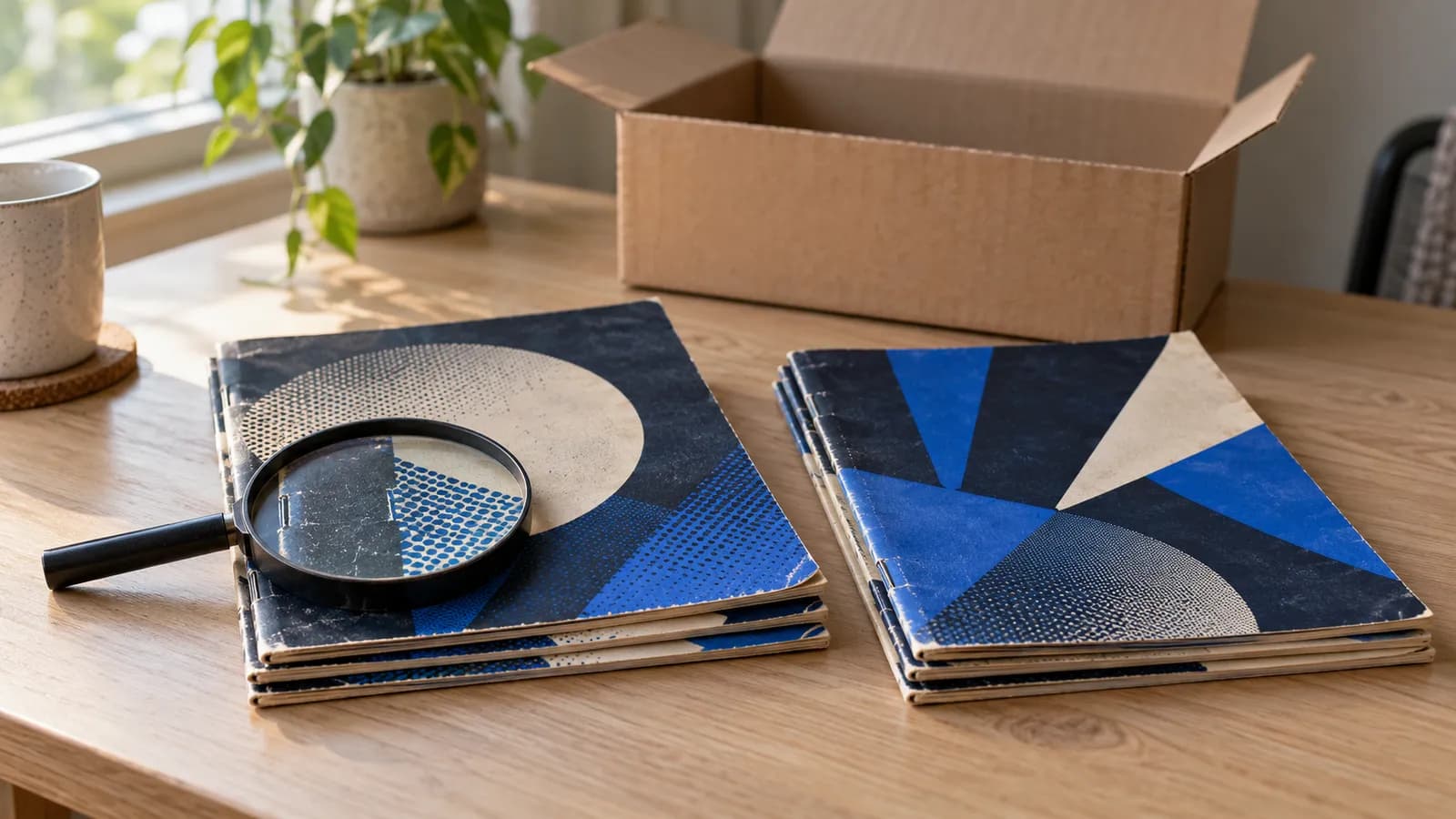
Cost. Check whether you pay per report or by subscription, whether credits expire, and whether a failed capture uses up a report. If you grade a stack of books once a year, a monthly plan and per-report pricing work out very differently.
Privacy. Read the privacy policy before you upload, ours included. Check what a shared report shows to anyone with the link, what the app stores, and how you can delete your data.
Red flags
Any one of these is a reason to stop and look closer:
- A single accuracy number with no method. A claim like "X percent accurate" means nothing until you know what it was compared against, on how many books, and who set the reference grades.
- Claims of slab equivalence. An app grade is not a professional third-party grade, and no app can encapsulate your book. Words such as "certified", "official" or "same as a slab" claim more than photos can support.
- A grade from one cover photo. It leaves out the back cover, the spine and the interior.
- No range and no limits. A precise number with no stated uncertainty claims more than the photos can show.
- A clean restoration verdict from photos. Competent restoration can be invisible in ordinary photos.
- Reports that change after you share them. A buyer cannot rely on a grade that may be different tomorrow.
A test you can run on any app
A checklist on paper only goes so far. This test uses a book you already know, so you can compare apps on the same evidence.
- Pick a book with flaws you can name, such as a spine tick, a blunted corner or a small edge tear. Write each one down with its location.
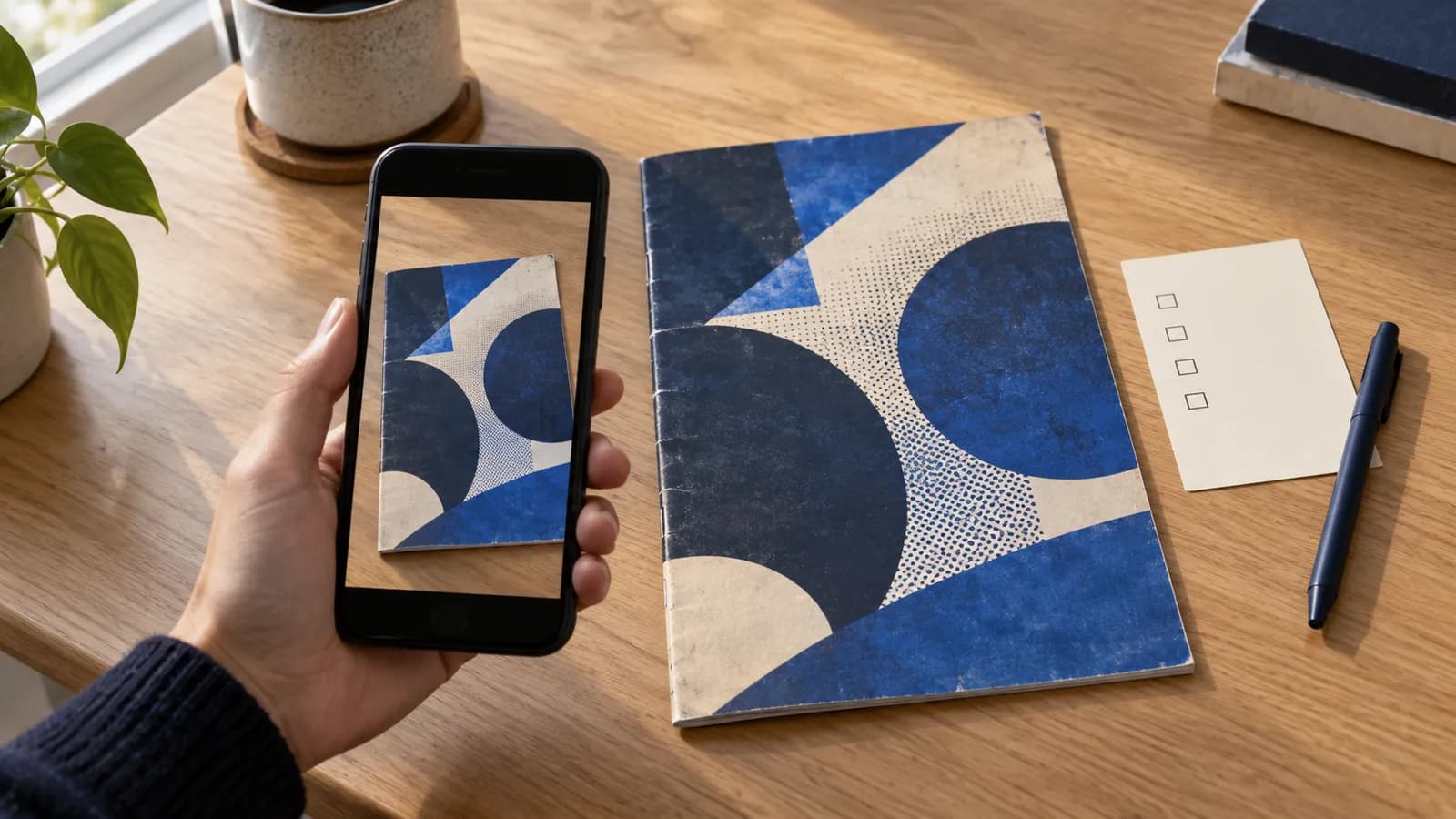
- Run the book through the app exactly as it asks. Note what it makes you shoot and what it asks you to declare.
- Read the report against your notes. Did it find each flaw? Does each finding point to a photo where you can see it? Did it say what it could not see?
- Check the output as a buyer would. Open the shared link in a private browser window, look up the report ID, and download the PDF.
- Repeat with each app you are considering, using the same book, and compare the reports side by side.
How NuGrade answers each line
Here is how NuGrade answers the checklist as of October 2026. Hold it to the same standard.
| Check | NuGrade's answer |
|---|---|
| Capture inputs | Seven stills (front cover, back cover, the centerfold staple seam and four cover-corner close-ups) plus a slow spine pass and a page flip-through video, designed to take under three minutes for a prepared book |
| Capture checks | The app checks for common capture problems before submission, with one free re-shoot retry per report |
| Evidence | Every finding cites the specific photo or video frame it came from, grouped by area: cover, corners, spine, staples, edges, page color, page structure, interior, restoration and production |
| Uncertainty | A 10-point grade with its tier and a plausible range, a "why not higher" explanation that names the limiting defect, a page-quality call, and an evidence-bounded disclosure |
| Restoration | Shown as "Unverified" when the photos cannot establish it |
| Owner disclosure | A short survey on signatures (and whether one was witnessed), pressing, cleaning or deacidification, tape, color touch or piece fill, trimming, married pages or cover, odor and brittleness; "Nothing that I know of" is an explicit answer, never pre-selected |
| Output | A point-in-time report with a public URL, a short report ID, a QR code and a downloadable PDF; reports never change, and a regrade creates a new report with a new ID |
| Cost | Complimentary credits for new accounts with no card needed, then one credit per report; credits never expire and there is no subscription (current pricing) |
| Privacy | Reports are built to be shared, so anyone with the link or the report ID can open one; the book itself never leaves your hands |
The Guardians of the Galaxy #4 sample report shows these answers on a real book. It came back 7.5 VF-, with a range of 7.0 FN/VF to 8.0 VF. The limiting area is the spine: an accumulation of small stress ticks along the spine edge through the upper and middle spine, several showing white color break against the black cover, persistent across adjacent frames of the spine pass. The report also records more small stress lines near the lower staple, and light edge wear with small white flecks along the top cover edge near the top-left corner, seen in the top-left corner close-up. It lists 7 findings in all, a Cream to Off-White page-quality call, all 36 pages accounted for by the page-flip count, and restoration marked "Unverified". To check it as a buyer would, enter NG-HM9D44HX-7VVS on the lookup page; no app or account is needed.
NuGrade has limits too. A NuGrade grade is an evidence-bounded opinion from your photos and video, not a substitute for professional grading or encapsulation. Competent restoration can be invisible in ambient-light photos. Odor and brittleness come only from your survey answers, and defects below what the photos resolve may exist. For an investment-grade book, where a tamper-evident holder is part of resale value and restoration or trimming needs in-hand screening, professional grading is still the right call. Pre-grading before submission covers how a photo grade fits into that decision.
Frequently asked questions
Can an AI grading app replace professional grading?
No. A photo-based grade is an evidence-bounded opinion from your photos and video. It cannot screen a book in hand for restoration or trimming, and it does not come with a tamper-evident holder, so for an investment-grade book professional grading is still the right call.
How many photos should an AI comic grading app ask for?
Enough to cover the whole book: the front and back covers, all four corners, the spine along its length, and the interior. A grade from one front-cover photo leaves out the back cover, the spine and the pages.
Can an app detect restoration from photos?
Only in part. Obvious or poor-quality work can show in photos, but competent restoration can be invisible in them, so a trustworthy app marks restoration as unverified instead of clearing the book.
Is a published accuracy percentage a good sign?
Not on its own. Ask what the app was compared against, on how many books, and who set the reference grades. Without the method, the number cannot be checked.