A comic book condition report is a dated record of one copy's condition. A useful one gives a grade on the 10-point grading scale with a range, names the flaw that limits it, ties each defect to a photo, and says what it could not establish. Before you buy, open the report yourself, confirm it shows the same copy, check the date, and ask the seller about each unknown.
The worked example is a public sample report from NuGrade, the AI-assisted grading app for raw comics that publishes this blog. The checks apply to any report, ours included.
What a comic book condition report should contain
A condition report should give the grade with a range, the flaw that limits it, each defect with the photo that shows it, page quality, a page count, the restoration status, what the owner disclosed, the date, and a way to open the original. The table shows each part on the Marvel Presents: Guardians of the Galaxy #4 sample report (Marvel, April 1976).
| Part | What it tells you | On the Guardians #4 sample |
|---|---|---|
| Identity | Which book, and how it was identified | Cover date and publisher read from the front cover and the indicia |
| Grade and tier | The best estimate on the 10-point scale | 7.5 VF- |
| Plausible range | How far the grade could move in hand | 7.0 FN/VF to 8.0 VF |
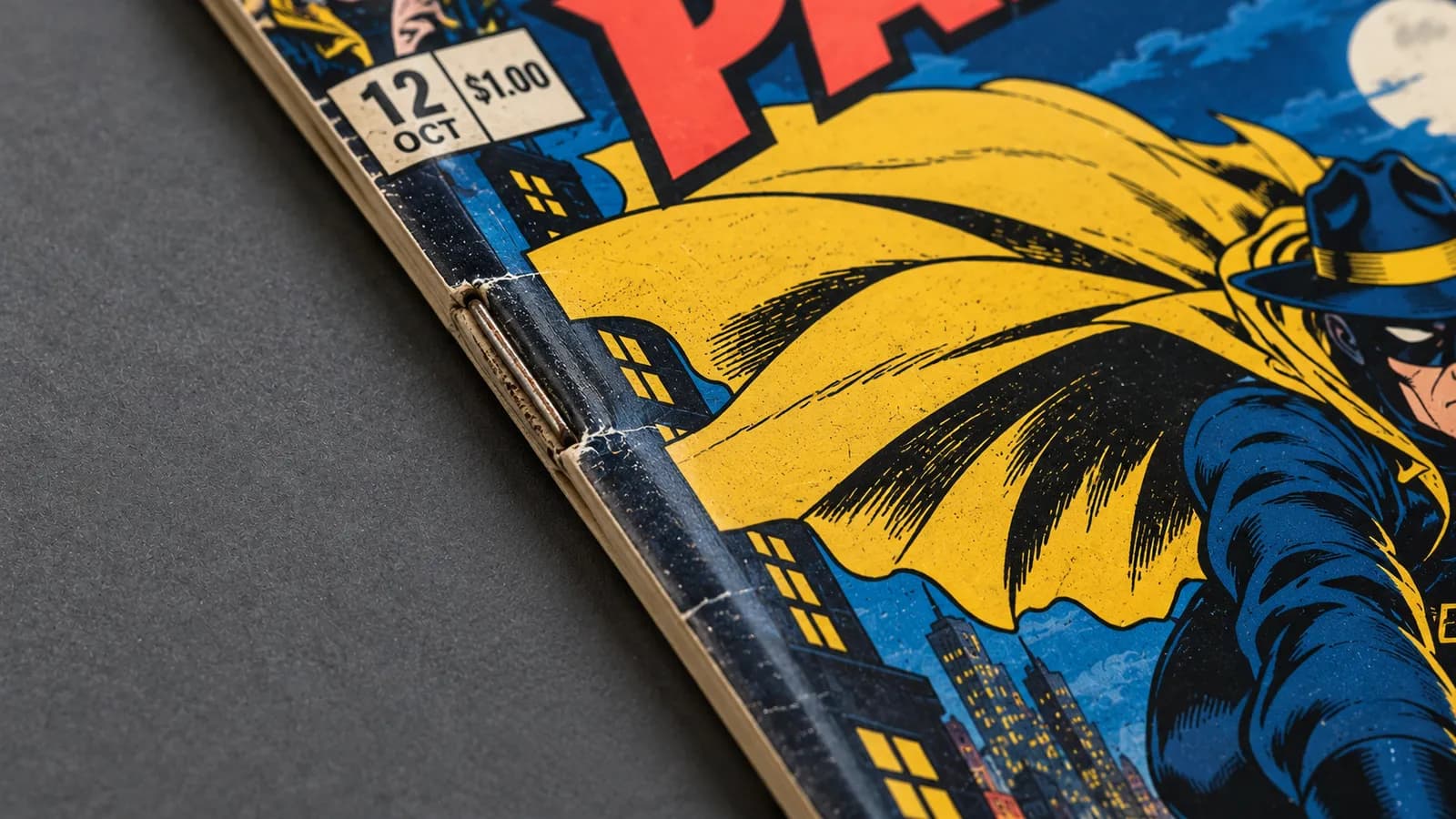
| Why not higher | The flaw that sets the ceiling | Color-breaking stress ticks along the spine edge |
| Findings by area | Each defect, its place and its photo | 7 findings across 5 areas |
| Page quality | Paper color and strength, a separate call | Cream to Off-White |
| Completeness | Whether every page was seen | All 36 pages accounted for |
| Restoration | Whether the evidence could settle it | Unverified |
| Owner disclosures | What the owner says the camera cannot see | Nothing disclosed |
| Date and version | When the book was graded, and by which method | September 30, 2026, NuGrade v1.12 |
| Report ID and QR code | How you open the original yourself | NG-HM9D44HX-7VVS |
A missing part is a question for the seller, not proof of a problem.
How to read the grade, the range and the limiting flaw
Read the three together: the grade is the best estimate, the range is the doubt around it, and the limiting flaw is the reason the grade is not higher.
The Guardians report gives 7.5 VF- and describes the tier as "an excellent copy with light handling wear and full color." For the tier letters, what VF, FN and NM actually mean covers the full scale.
A plausible range is the span the grade could move across if an uncertain finding were checked in hand. Here it runs from 7.0 FN/VF to 8.0 VF. Plan around the low end: if the asking price only makes sense at 8.0 VF, you are paying for every open question to go your way.
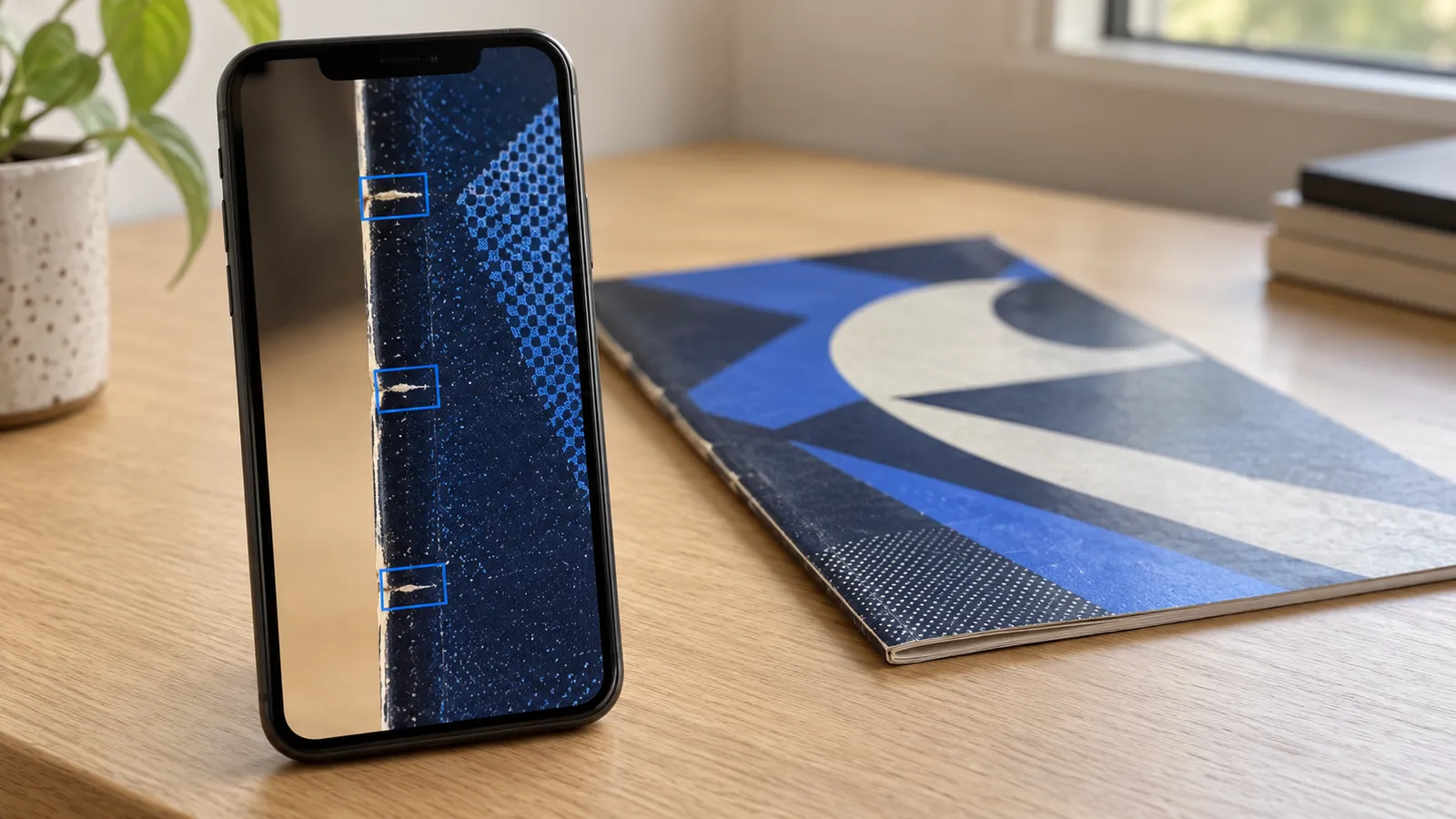
The limiting flaw is the single defect that sets the ceiling on the grade, however clean the rest of the book is. The report states it in its "why not higher" line: "Spine: an accumulation of small color-breaking stress ticks along the spine edge limits the book to 7.5 (VF-)." That line tells you where to look first in the seller's photos.
Color-breaking ticks have lost ink, so a press cannot remove the flaw that sets this grade; what pressing can and cannot fix explains why. To judge a tick yourself, see spine tick or color break: look at the same spot in two lights.
The limiting flaw is not always handling damage. On E-Man #1 (Charlton, 1973), graded 9.2 NM-, the "why not higher" list holds two production findings: a slight miswrap that leaves a narrow unprinted strip along the front spine edge, and a small dark mark at the left edge of the back cover, likely a bindery or printing artifact. The published grade descriptions count printing and bindery flaws too, even on a book nobody mishandled.
How to check each finding against its photo
Open the photo or frame each finding cites and find the defect yourself. A finding you can see is evidence; one with no photo behind it is an opinion.
A finding is one recorded defect, with its area, its place on the book and the photo or video frame that shows it. The Guardians report records seven, and each one names its evidence in plain words, such as a "short corner crease at the top-right tip with color break exposing paper, visible in the top-right corner close-up." The highlighted findings carry an Evidence link, and the Submitted media section holds the original photos and both videos, 9 of 9 submitted.
"Persistent across adjacent frames," as in the main spine finding, means the mark held its place while the camera moved, so it is not a passing glint.
The Condition section tags every area:
- Clean: the area was assessed and nothing was recorded.
- Minor defect or Major defect: how much the area's findings weigh on the grade. Read the finding text for size and place. Edges reads Major defect here for small white flecks along the top edge, which show against the black cover.
- Possible defect: the report saw something it could not resolve.
- Not assessed: the photos could not establish the area, as with Restoration here, which the top of the report marks Unverified.
What the report established, and what it left open
The sample report established the page color, the page count and the cited defects. Restoration, odor, brittleness, two faint interior marks and anything smaller than the photos show stay open.
| Part | What the sample report says | What stays open |
|---|---|---|
| Page quality | Cream to Off-White | Brittleness and odor, which only the owner can report |
| Page count | All 36 pages accounted for in the page-flip video | Small flaws on a page that the video could not resolve |
| Restoration | Unverified: "Not established in the issued report" | Whether the book was restored |
| Interior | Possible defect: faint marks at the top margin of two ad pages, "which could be pencil writing or show-through" | Which of the two they are |
| Fine detail | "other defects below the resolving power of the submitted media may exist" | Anything smaller than the photos show |
Unverified restoration means the photos could not establish whether the book was restored. It is neither a finding of restoration nor a clearance: competent color touch or piece fill can be invisible in photos taken in ordinary light, which is why a photo grade usually leaves restoration open.
The page count appears only when the page-flip video lets the app count the pages. Otherwise completeness reads "Not established," with a note that this is not evidence of missing pages: the count is unknown, not short, so ask the seller to confirm it and that the centerfold is attached.
"What the owner told us" holds the survey answers about what a photo cannot show: a signature, pressing, cleaning, tape, color touch or piece fill, trimming, married pages or cover, odor, and a brittle feel. "Nothing that I know of" must be tapped, never pre-selected, but it covers only what the owner knows.
A photo report is an opinion bounded by its evidence. It does not replace professional grading or encapsulation, which is still the right step for a high-value book.
What the date, version and report ID tell you
The date tells you when the book was graded, the version tells you which edition of the method graded it, and the report ID lets you open the original yourself.
The Guardians report reads "Graded September 30, 2026," and it shows the book as its photos captured it, not as it is today. Beside the report ID it shows "NuGrade v1.12," the methodology version that produced the grade. A NuGrade report never changes after it is issued: old reports keep their grade when the method improves, and a regrade makes a new dated report with a new ID while the old one stays live at its URL.
A short report ID such as NG-HM9D44HX-7VVS opens one report at the NuGrade report lookup. The QR code on the grade card or the PDF opens the same page in a phone browser, with no app or account needed.
Five checks before you buy from a condition report
Open the report yourself, confirm the copy, compare the dates, read the unknowns, and ask the seller what the photos cannot show.
- Open the report yourself. Go to www.nugrade.app/lookup on your own, not through a link in the listing, and enter the report ID. If you scan the QR code instead, check that the address bar shows nugrade.app. A screenshot, a grade card image or a forwarded PDF is a copy, and a copy can be edited. If the lookup says "Not found or unavailable," check the ID, then ask the seller.
- Confirm it is the same copy. The lookup confirms the report exists, not that the listed book is the one in it. Compare the report's front cover with the listing photos, then match the marks the findings name. On the Guardians report, look for the color-breaking crease at the top-right corner tip and the white flecks along the top edge near the top-left. On Green Lantern #59, look for the small nick on the right edge of the back cover. If the listing photos do not show those spots, ask for them.
- Compare the dates. Set the graded date against the date of the listing. Pressing, cleaning, or damage in storage or in the mail after the graded date will not appear in the report, and a regrade would carry a new ID, so ask whether the book has a newer report.
- Read every unknown as an open question. Go through the restoration status, each Possible defect, and everything that rests on the owner's word. Decide what each would mean to you if it went the wrong way, and weigh the low end of the range until the seller answers.
- Ask the seller what the photos cannot show. Odor, brittle pages, pressing or cleaning history, and anything known about restoration come only from the owner. A short message covers it.
Before I buy, a few questions about the book in report
NG-XXXXXXXX-XXXX:

1. Is the book in your listing photos the copy graded
   on [graded date]?
2. Has anything happened to it since then: pressing,
   cleaning, damage, or a newer report?
3. Any odor, or pages that flake or crack when turned?
4. Do you know of any restoration, trimming, tape or
   color touch?
5. Could you send close photos of [the spot the report
   marks as a possible defect], front and back of the
   page?
How to apply the same checks to a seller's notes
Hold a seller's written description to the same standard. Notes that cannot answer these lines give you an opinion without its evidence.
CONDITION NOTES CHECK
[ ] A number with its tier (7.5 VF-), not "VF" or "high grade"
[ ] A range, or a plain statement of what is uncertain
[ ] The flaw that keeps the book from the next grade up
[ ] Each flaw with its size, its place and a photo of it
[ ] Page quality named, for example Cream to Off-White
[ ] Page count and centerfold confirmed
[ ] Restoration stated as known, suspected or not known
[ ] Odor, brittleness, pressing and cleaning answered
[ ] The date the book was inspected
[ ] Photos of the copy for sale, not a stock image
Read "unrestored" in a seller's notes the way you read a survey answer: it is a statement, not an inspection, unless someone qualified examined the book in hand. "VF/NM-ish" is not a grade at all, so ask for the number. If you sell too, the condition record in the at-home grading checklist covers the same ground.
Frequently asked questions
What is a comic book condition report?
A comic book condition report is a dated record of one copy's condition: a grade, the defects found, where each one sits, and the evidence for each. A useful one also says what it could not establish, such as restoration or odor.
What does the grade range on a condition report mean?
The range is how far the grade could move if an uncertain finding were checked in hand. As a buyer, plan around the low end, because a price that only works at the top of the range assumes every open question goes your way.
How do I check that a NuGrade report is real?
Enter the report ID at www.nugrade.app/lookup, or scan its QR code and confirm the page is on nugrade.app; no app or account is needed. The lookup shows the report as issued, but compare its photos with the listing to confirm it is the same copy.
Does "Unverified" restoration mean the comic is restored?
No. It means the photos could not establish restoration either way, so it is neither a finding nor a clearance. For a valuable book, only an in-hand examination settles it.
Can a comic condition report be out of date?
Yes. A report shows the book as it was when its photos were taken, so pressing, cleaning or damage after the graded date will not appear in it. Ask the seller what has happened since then and whether a newer report exists.